

5 Steps to Increase Instagram and TikTok Followers
Pro Traffic Builder automates the growth mechanics that typically require manual effort, allowing you to scale your presence on Instagram and TikTok efficiently. The following five steps outline the precise configuration needed to leverage the software’s features for consistent follower acquisition.
-
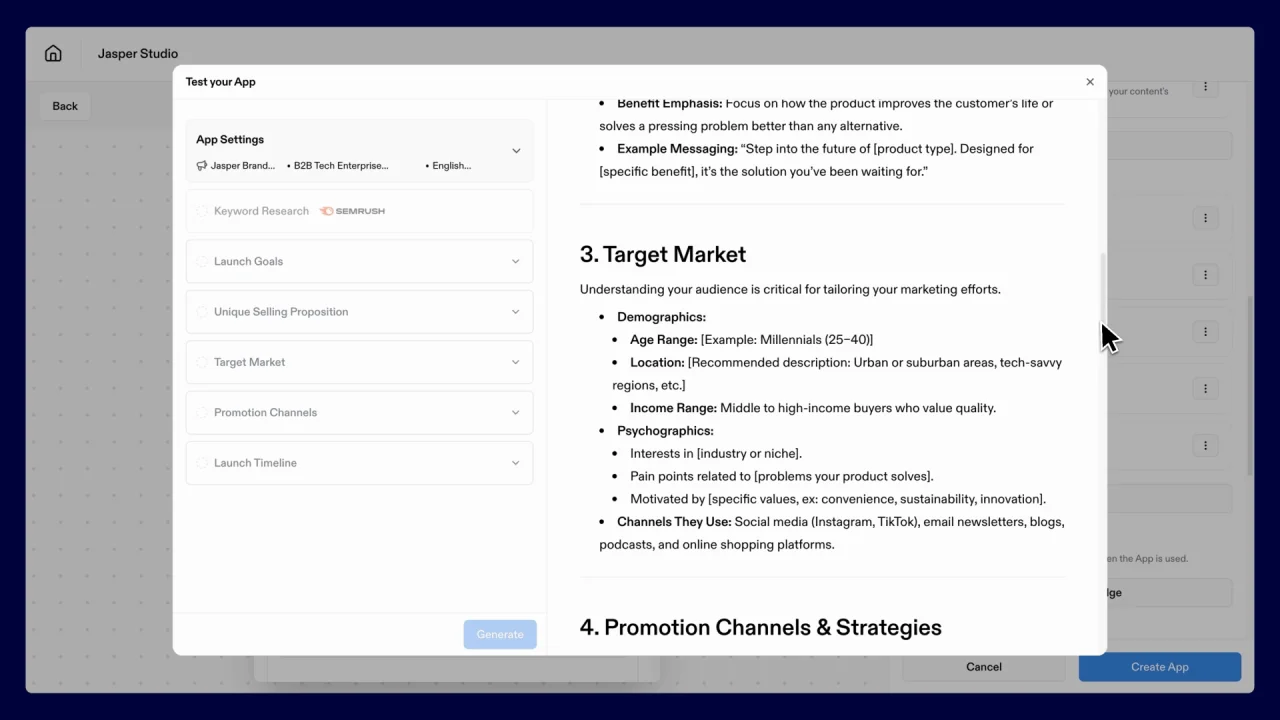
configure target audience demographics in settings
Access the Pro Traffic Builder dashboard to define your precise audience parameters. Input specific age ranges, geographic locations, and interest categories relevant to your niche. This foundational step ensures that automated interactions reach users likely to follow your account, filtering out irrelevant traffic and maximizing the efficiency of your growth strategy from the very first click. -

select relevant hashtags for content discovery
Identify high-traffic, niche-specific hashtags that align with your content themes. Enter these tags into the discovery module to locate active posts and users engaging with similar topics. By targeting users commenting on these specific hashtags, you position your profile in front of an audience already interested in your subject matter, driving qualified traffic. -
set daily engagement volume limits
Navigate to the safety settings panel to establish strict daily caps on likes, comments, and follows. The software allows you to set gradual increases to mimic organic human behavior, preventing account flags. Defining these limits is crucial for maintaining account health while scaling your outreach, ensuring that your growth efforts remain sustainable and compliant with platform guidelines over time. -

schedule automated interaction windows
Configure specific time blocks within the calendar for automated actions to occur. Align these windows with your target audience’s peak activity hours to maximize visibility and response rates. By scheduling interactions during high-traffic periods, you ensure that your engagement efforts coincide with when users are most active, significantly increasing the likelihood of reciprocal follows and sustained interest. -
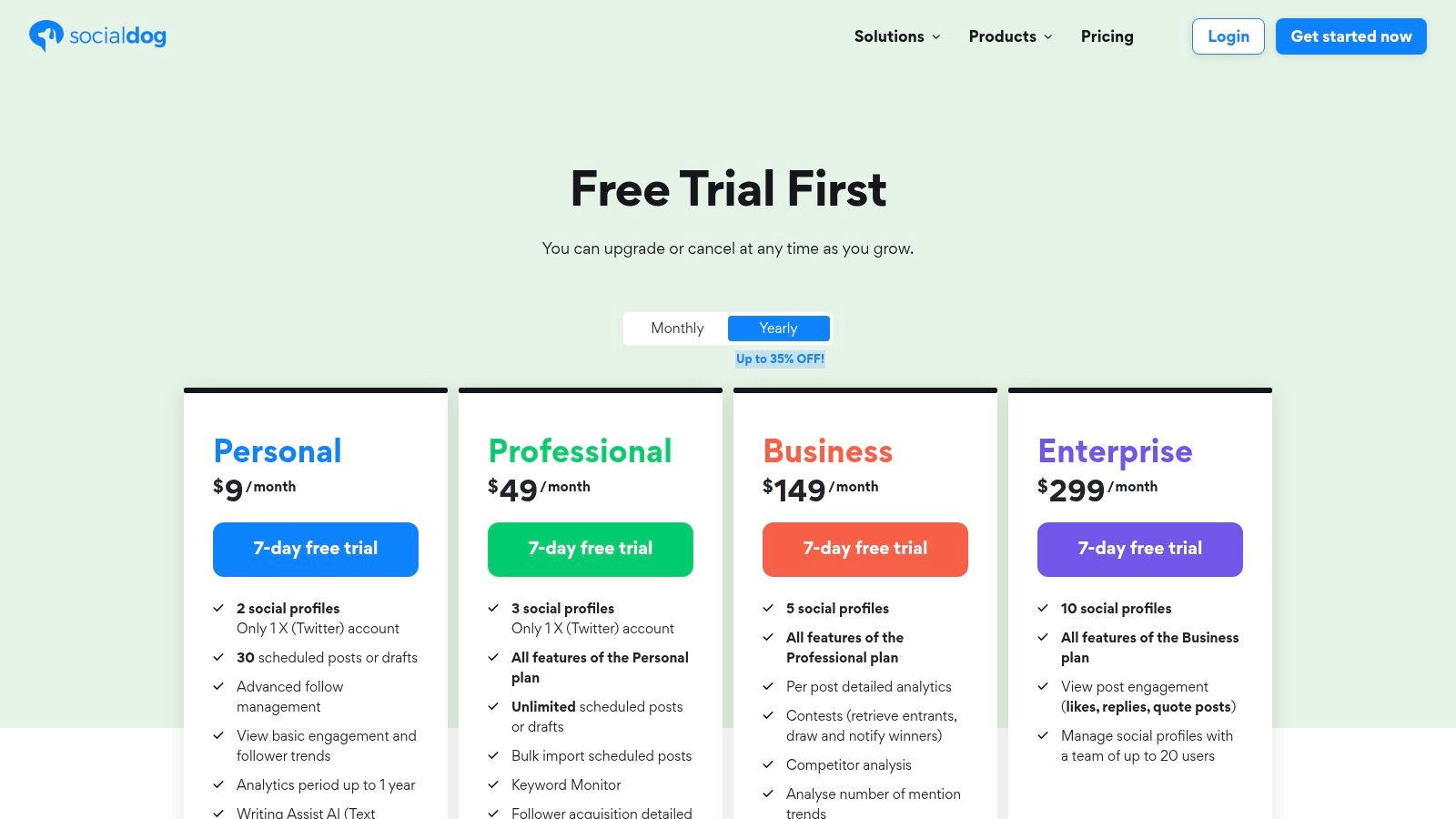
monitor analytics for follower growth
Regularly review the built-in analytics dashboard to track follower acquisition rates and engagement quality. Analyze which hashtags and demographics yield the highest conversion to refine your settings. This data-driven approach allows you to adjust your strategy dynamically, ensuring that your automation efforts continue to deliver measurable growth and optimize your return on investment for Instagram and TikTok.
Install and configure the software
Start by acquiring the Pro Traffic Builder application from the official vendor or a trusted distributor. Once the installer file is downloaded, double-click to run the setup wizard. Follow the on-screen prompts to select your installation directory and complete the process. This initial step ensures the core engine is ready to communicate with Instagram and TikTok APIs.
After the installation finishes, launch the application and enter your license key to activate the full feature set. Without activation, the software will remain in trial mode, limiting the number of actions you can perform per day. Verify that the activation status shows as "Active" in the account settings panel.

Open the Pro Traffic Builder dashboard and sign in with your registered credentials. Ensure your internet connection is stable, as the software needs to sync with social media servers in real time.
Navigate to the "Connections" tab in the main menu. Click "Add New Account" and select either Instagram or TikTok from the dropdown list. You will be redirected to the respective platform to authorize the software to manage your follower growth tasks.
Go to the "Settings" section to define your growth strategy. Set your daily action limits to avoid triggering spam filters. Choose between organic-looking interactions or automated boosts depending on your current follower count and risk tolerance.
With your profiles connected and parameters set, the software is now ready to execute the growth campaigns detailed in the next sections. Take a moment to review the daily limits you selected to ensure they align with your target growth pace.
Define your target audience
Before launching the tool, you need to establish a precise audience profile. Without specific parameters, the system will generate broad traffic that rarely converts. Think of this step as setting the coordinates for a guided missile; without them, you are just scattering resources.
Start by identifying the specific niches on Instagram and TikTok that align with your content. Use the keyword selection interface to input high-intent terms. These are phrases your ideal followers actually search for, such as "vegan recipes" or "minimalist home decor," rather than generic tags like "food" or "design."
Once you have your keywords, define the demographic filters within the software. Set age ranges, location, and interests that match your ideal customer avatar. This ensures the traffic generated is relevant to your niche, preventing wasted effort on users who have no interest in your content. By narrowing the scope, you increase the likelihood that new followers will stay and interact.
Convert visitors to followers
Traffic is only valuable if it sticks. To turn casual clicks into loyal Instagram and TikTok followers, you need to remove every obstacle between a visitor’s interest and the follow button. Think of your profile as a funnel: the wider the top, the more people see you, but the narrower the bottom, the more likely they are to convert. If the path is cluttered or confusing, they will scroll past.
Start by ensuring your bio clearly states what value you provide. Visitors should understand within three seconds why they should follow you. Use a clear call to action, such as "Follow for daily tips" or "Join the community," and place it prominently. If you are driving traffic to a specific landing page or link-in-bio tool, make sure that destination also reinforces the same message. Consistency builds trust.
Next, optimize your visual identity. Your profile picture, highlight covers, and recent posts should look cohesive. A messy profile signals a lack of professionalism, which can deter potential followers. Use high-quality images and consistent branding colors. When visitors land on your page, they should feel like they are entering a welcoming, organized space.
Finally, engage with incoming traffic immediately. Reply to comments, answer direct messages, and acknowledge new followers. This personal touch shows that there are real people behind the account, which encourages visitors to stay. Use the software to monitor which sources are sending the most traffic, and tailor your engagement strategy accordingly. By focusing on these steps, you can effectively convert visitors into a growing, engaged follower base.
Monitor performance and scale your growth
Growth on Instagram and TikTok isn't a one-time event; it's a cycle of testing, measuring, and refining. To sustain the follower increases you've achieved in the previous steps, you need to treat the software as a living tool rather than a set-and-forget solution. Regular monitoring allows you to identify which content formats and posting times yield the highest engagement rates, ensuring your efforts align with current algorithm trends.
Start by establishing a weekly review routine. Check your analytics dashboard to see which posts drove the most traffic from your campaigns. Look for patterns in the data: do video tutorials perform better than static images? Are your followers more active in the evenings or on weekends? Use these insights to adjust your posting schedule and content style. If a specific tactic shows diminishing returns, tweak your approach to target a slightly different audience segment or refine your keywords.
Scaling requires patience and consistency. As your follower count grows, your engagement metrics may fluctuate. This is normal. Focus on maintaining the quality of your interactions rather than chasing vanity metrics. Continue to use the software to automate routine tasks, freeing up time to engage authentically with your community. By staying attuned to performance data and adjusting your strategy accordingly, you build a resilient foundation for long-term growth.
No comments yet. Be the first to share your thoughts!